1
1
Click on 'Profile' in the DSB app.
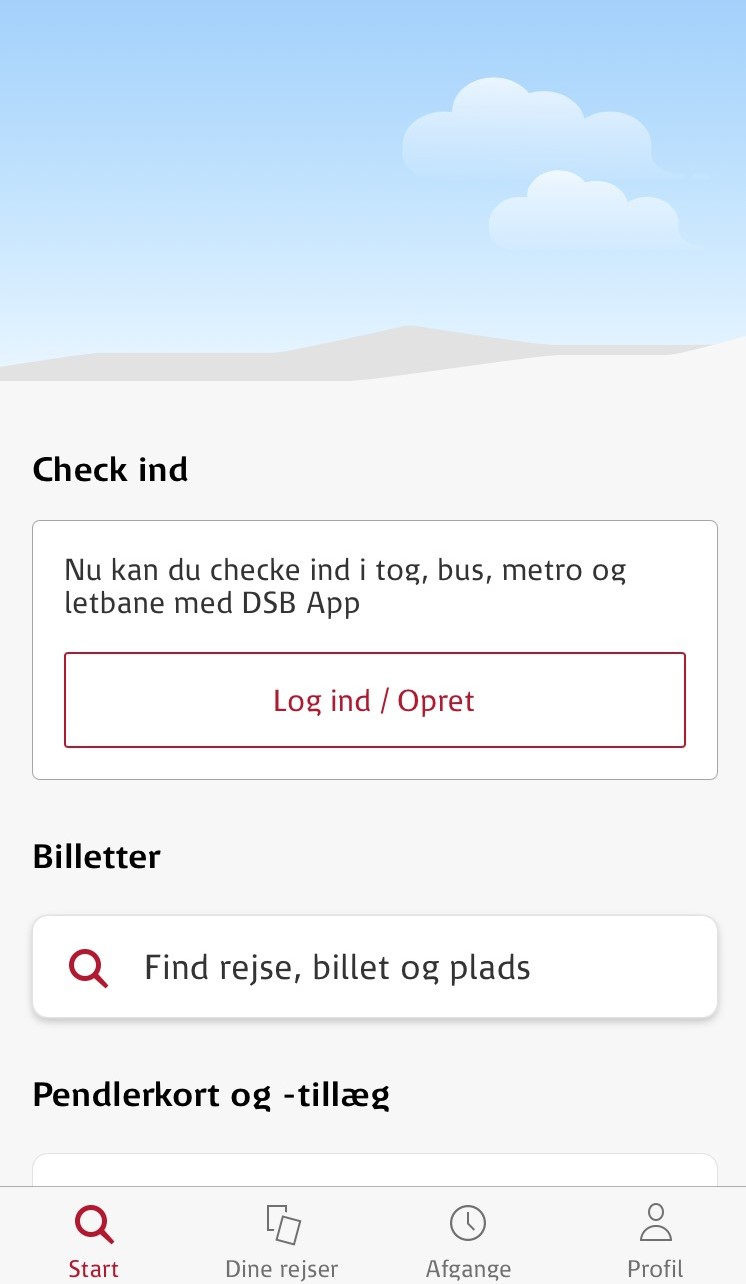
2
Click on 'Log ind / Opret'
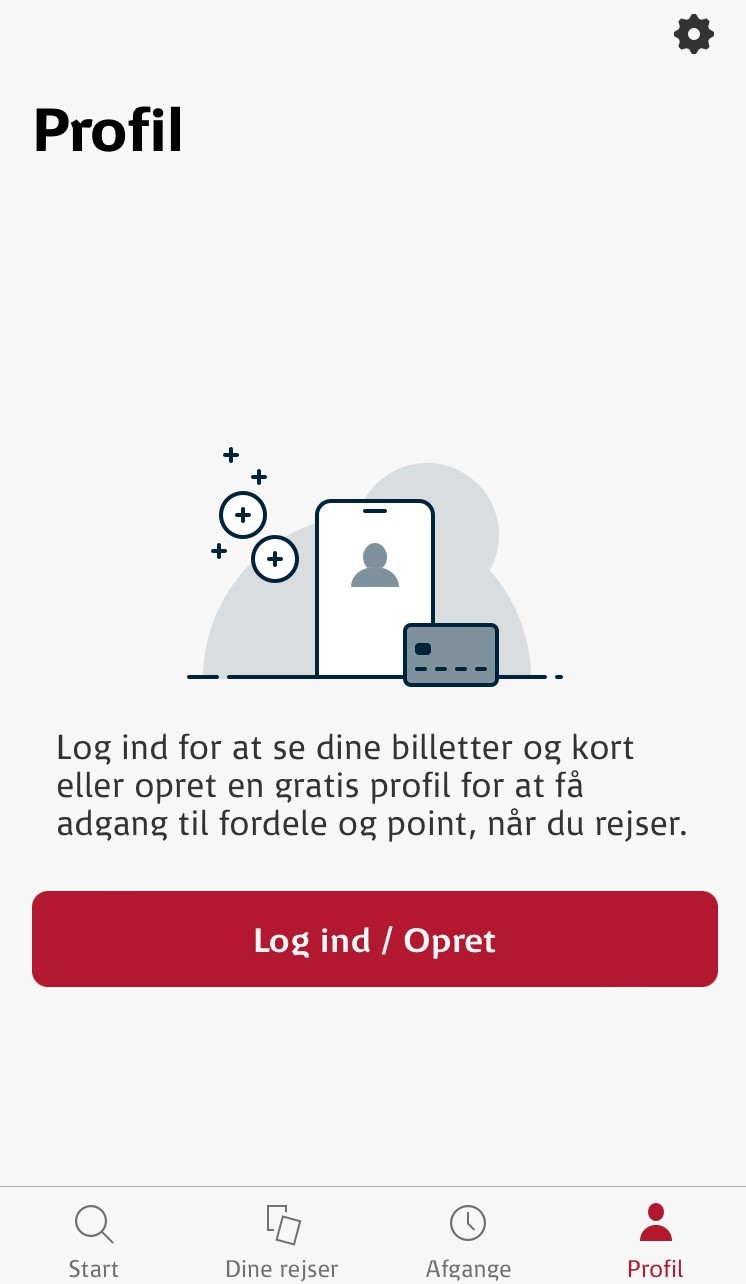
3
Click on 'forsæt' to allow the DSB app to open a web source
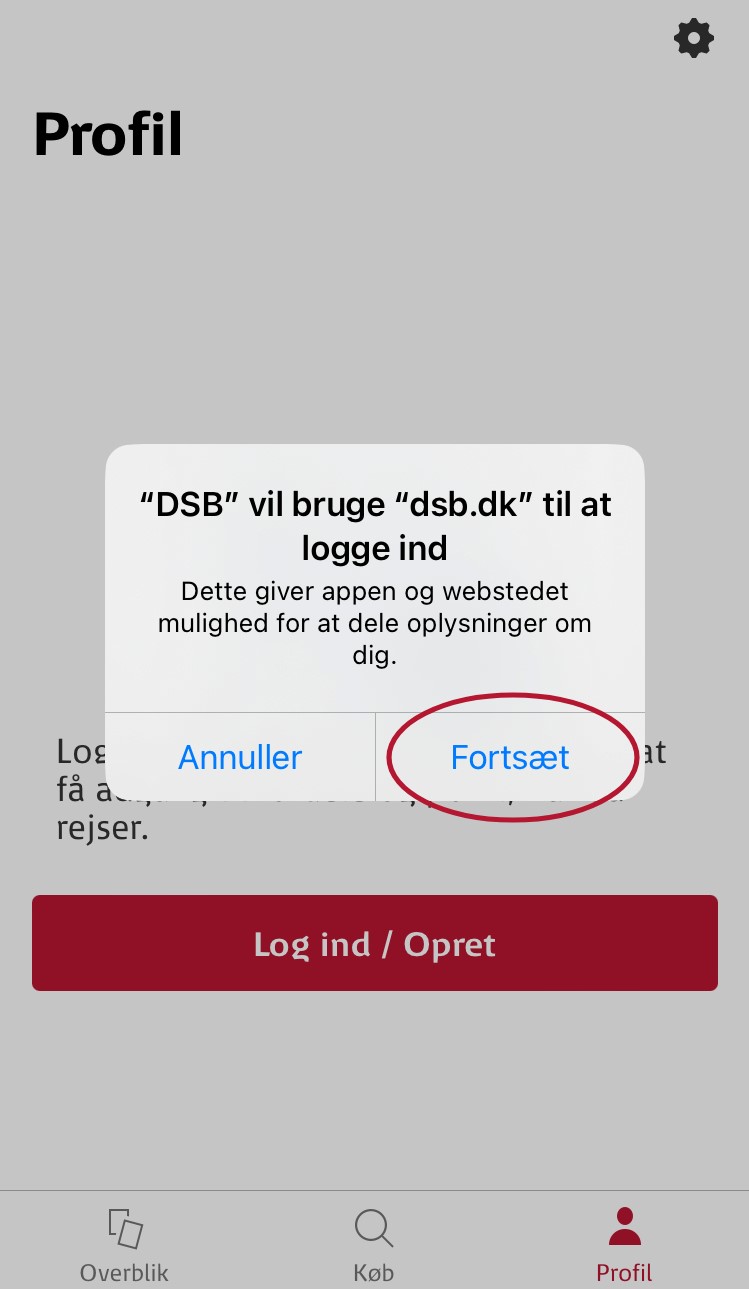
4
Click on 'Opret profil'

5
Enter your work email address and password. Subsequently click on 'næste'

6
Enter your first name and last name
Pick your birthday
To change the year, click on a random year. For example '2006'
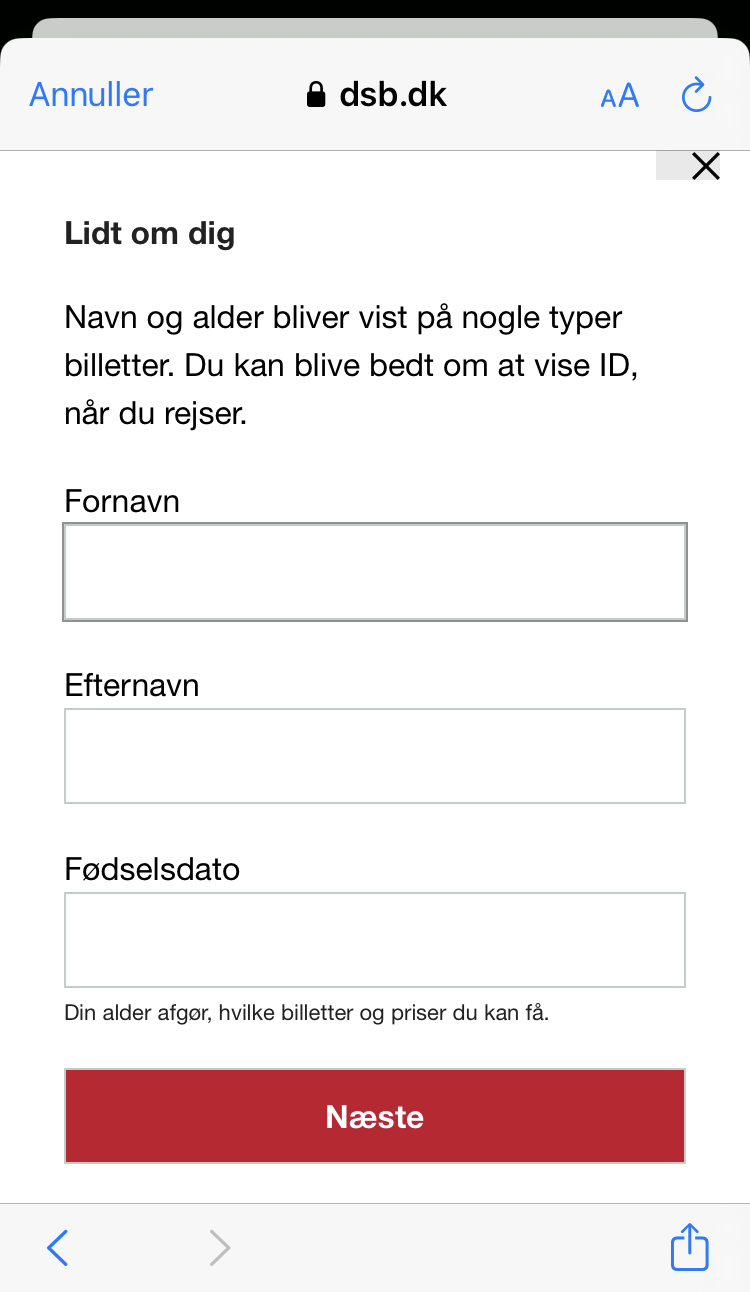
7
Enter your cell phone number. This phone number can only be taken into use one time.

8
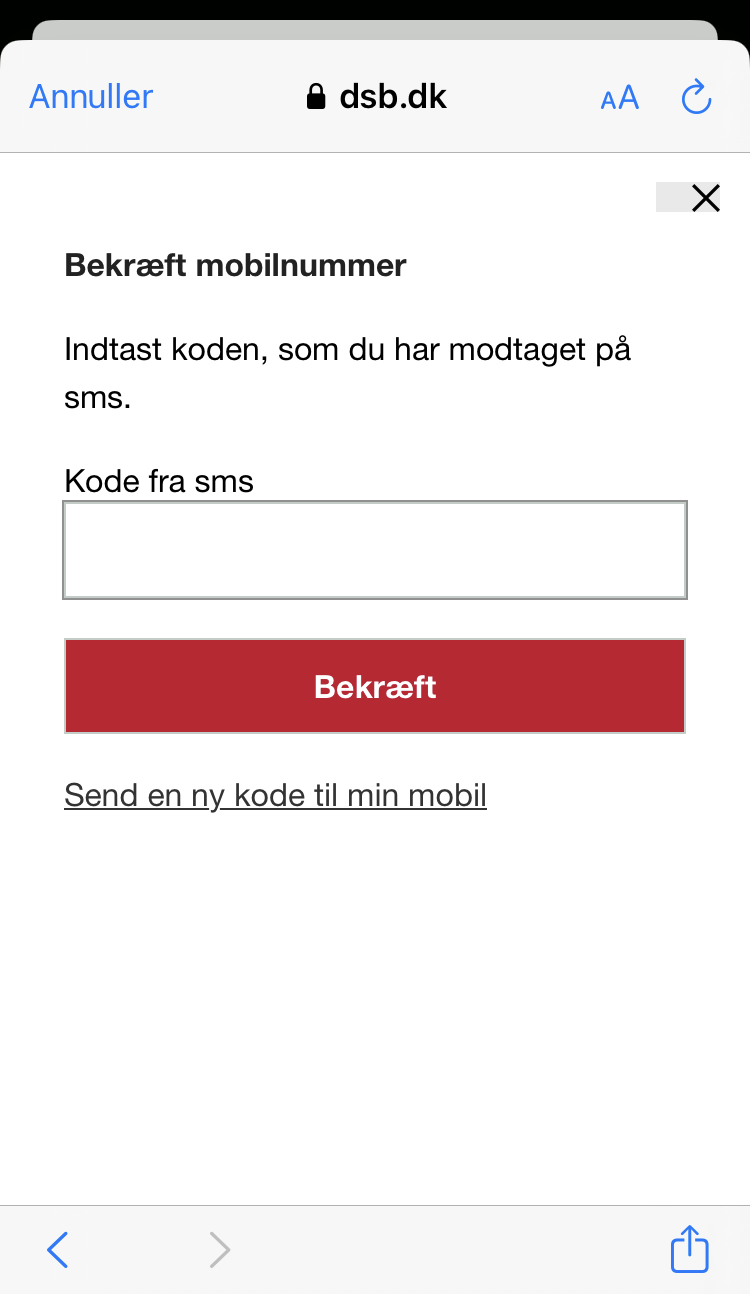
Enter the password you receive by text message and then press 'bekræft'
9
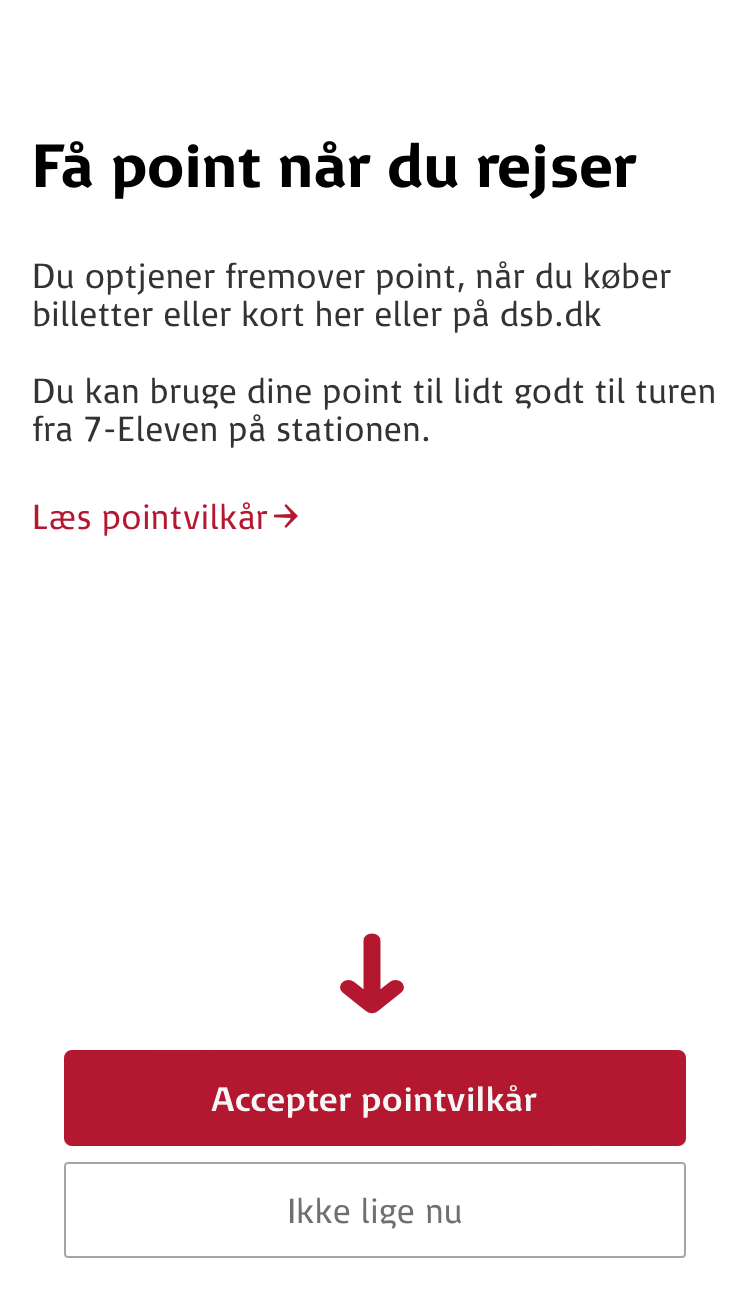
In order to get points when you travel with DSB, you must press 'Acceptér pointvilkår'
Read more about points here.
NB: You will not get points when paying as a logged in business customer
10
In order to receive news and special offers when travelling with DSB, you must press 'Acceptér'
