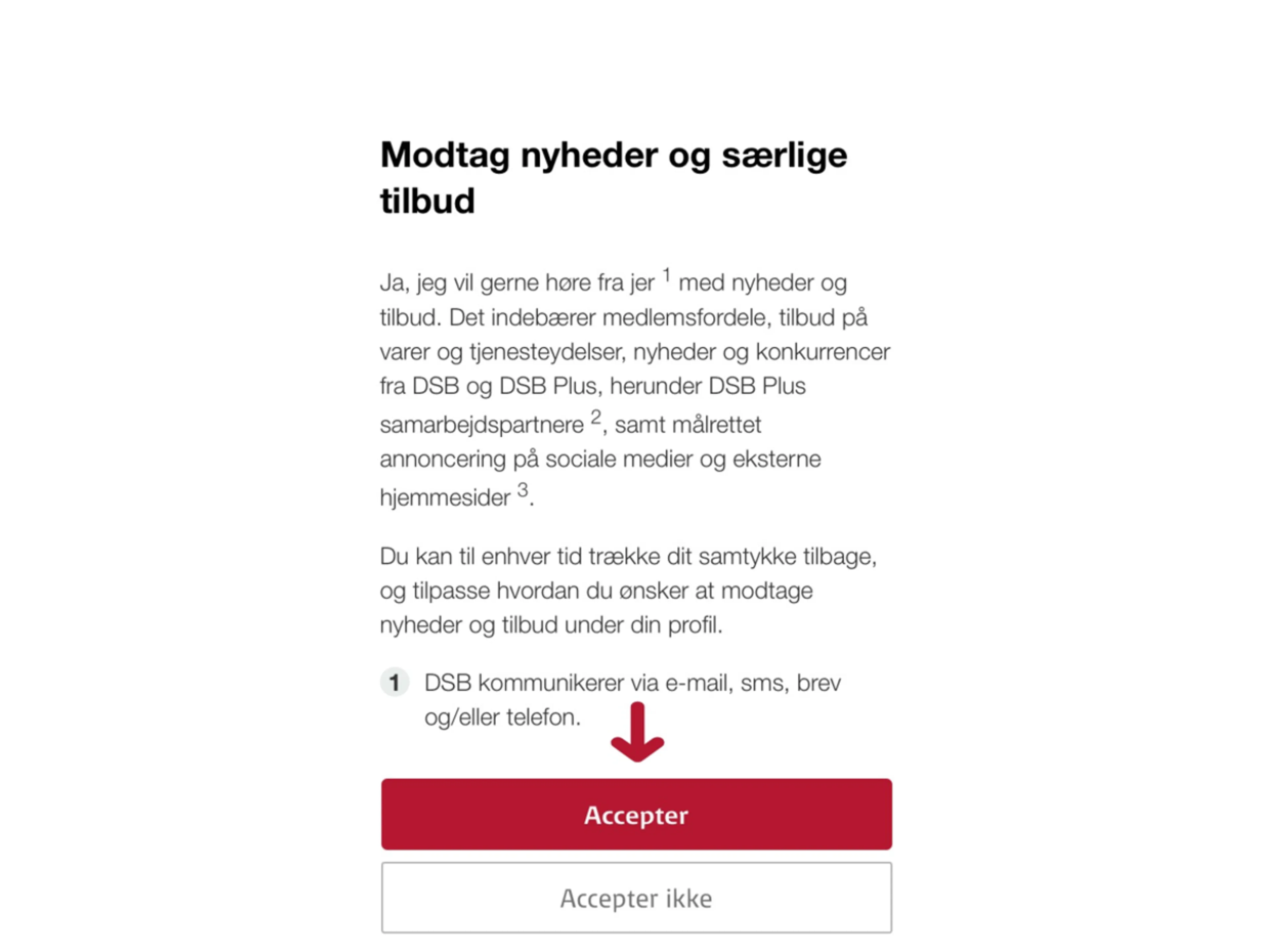
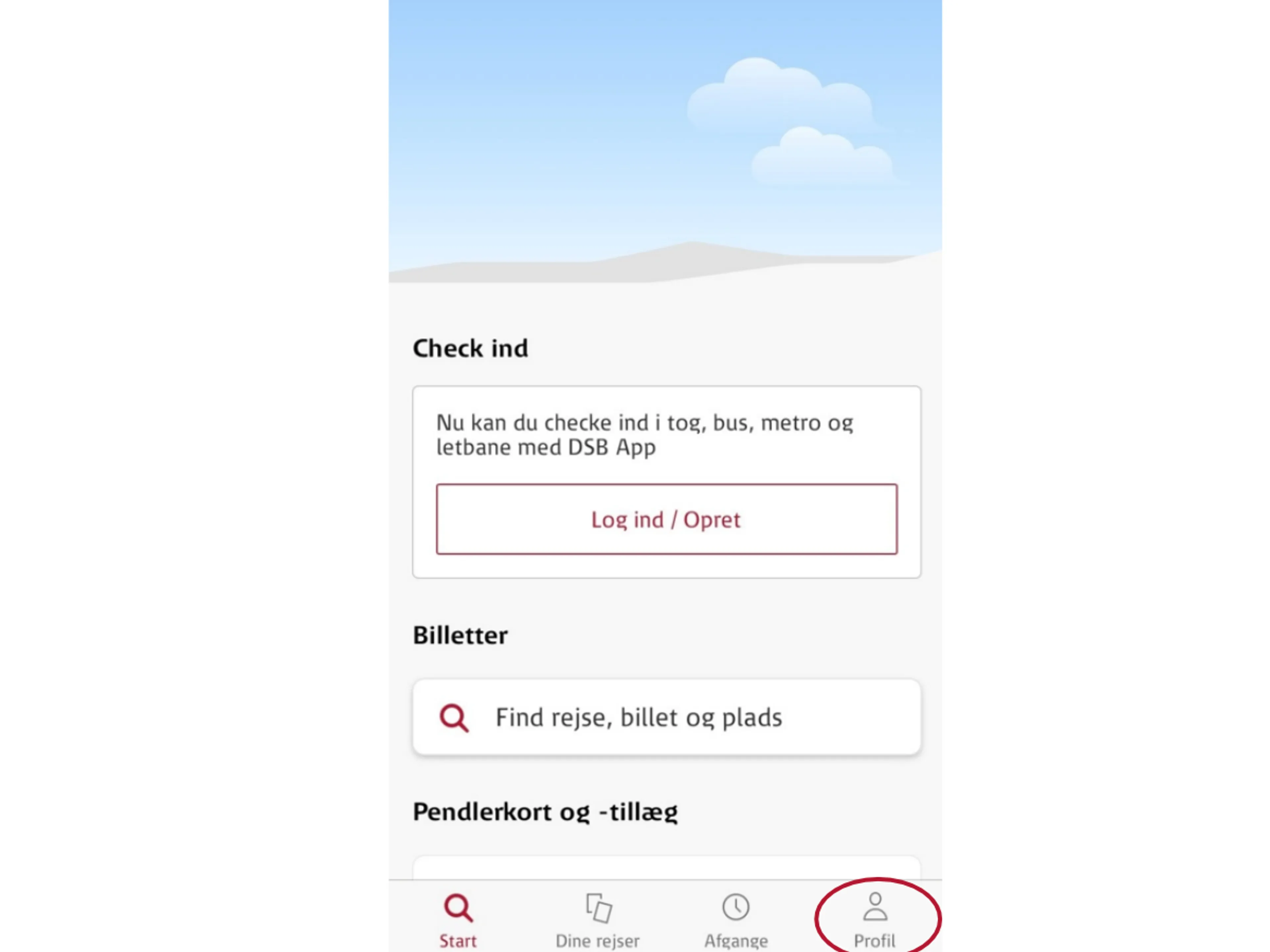
1 Click on 'Profile' in DSB's app
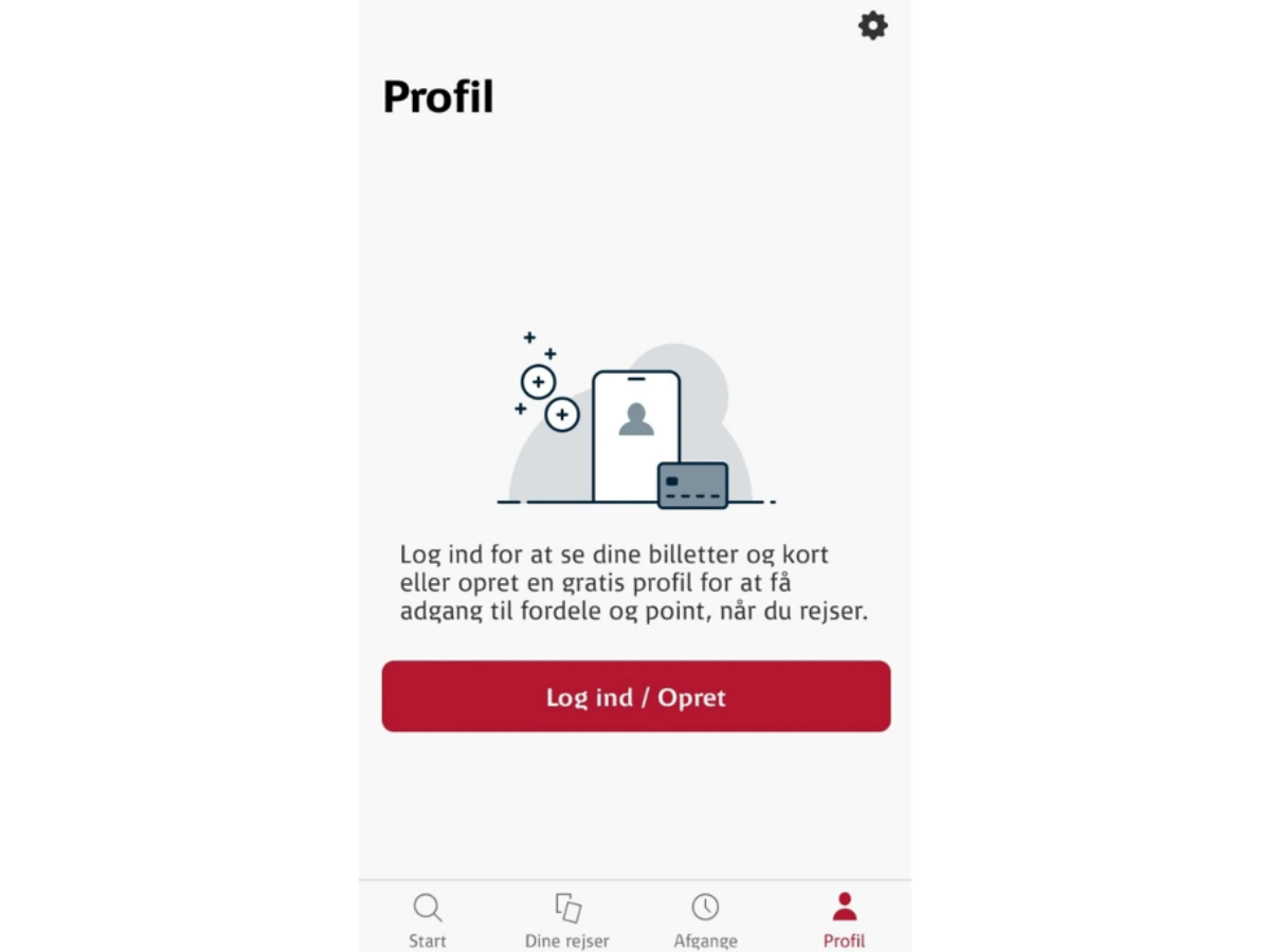
2 Click on 'Log in / Create'
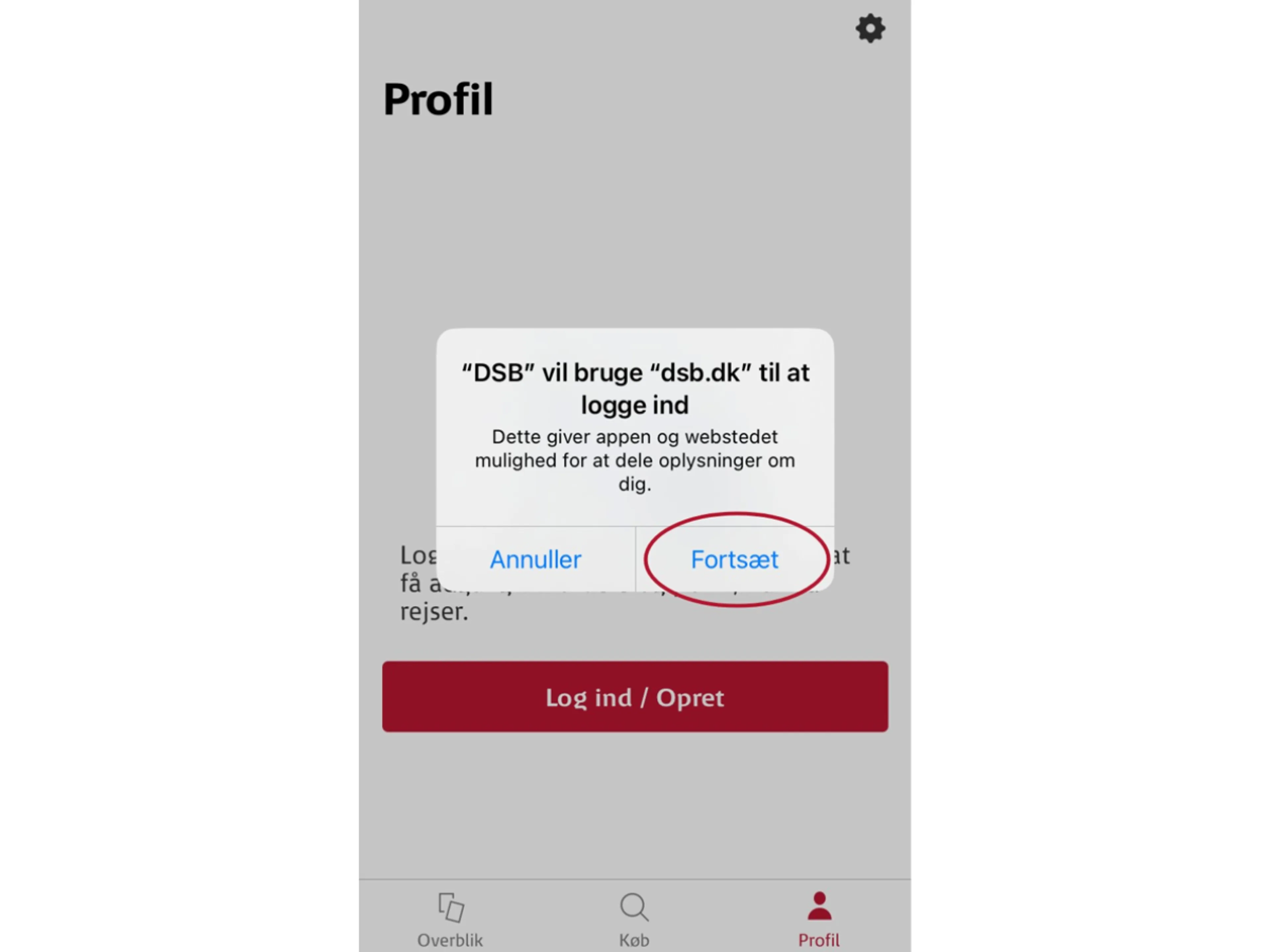
3. Click on 'Continue' to allow the app to open a website
4. Click on 'Create profile'
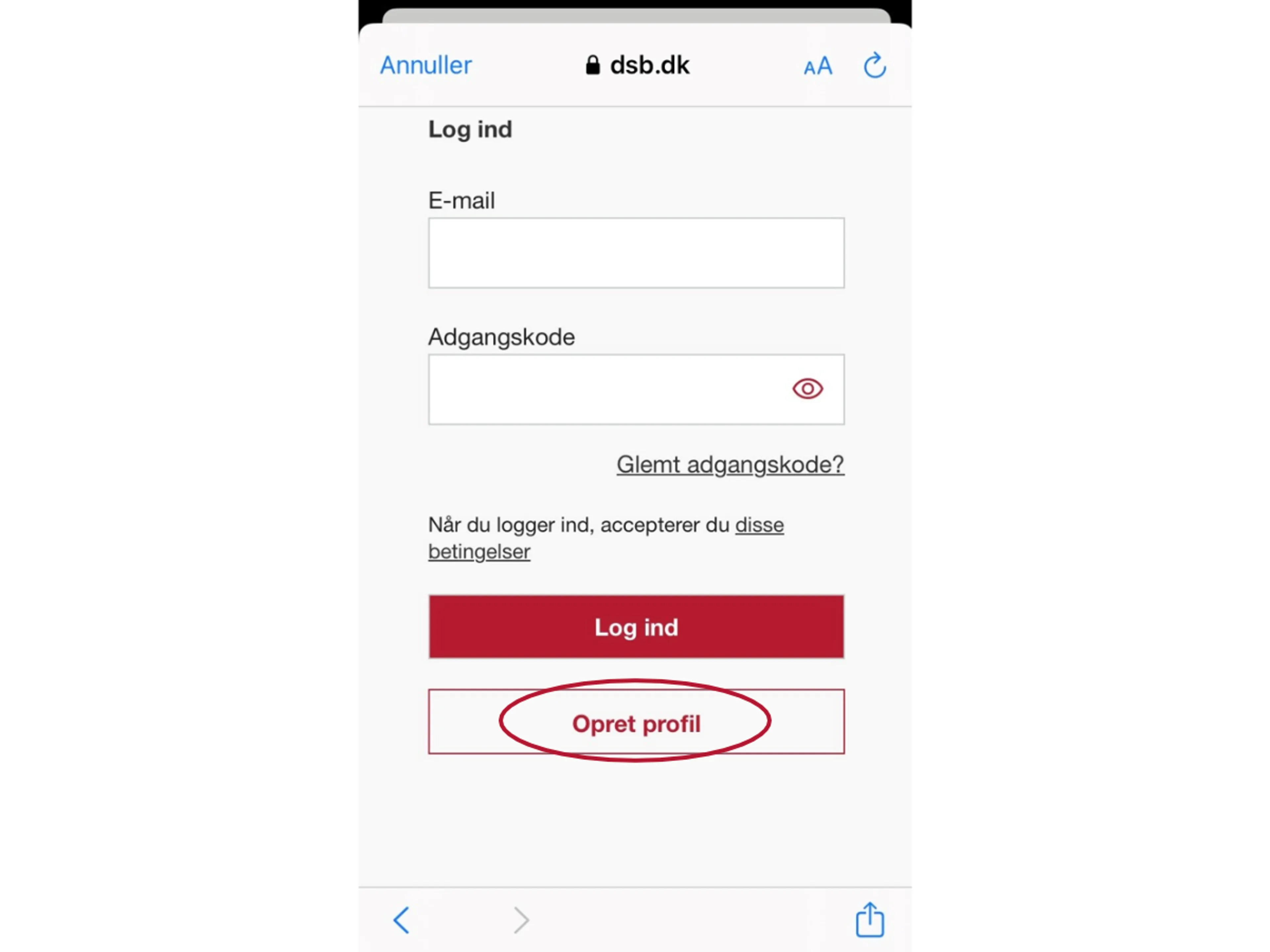
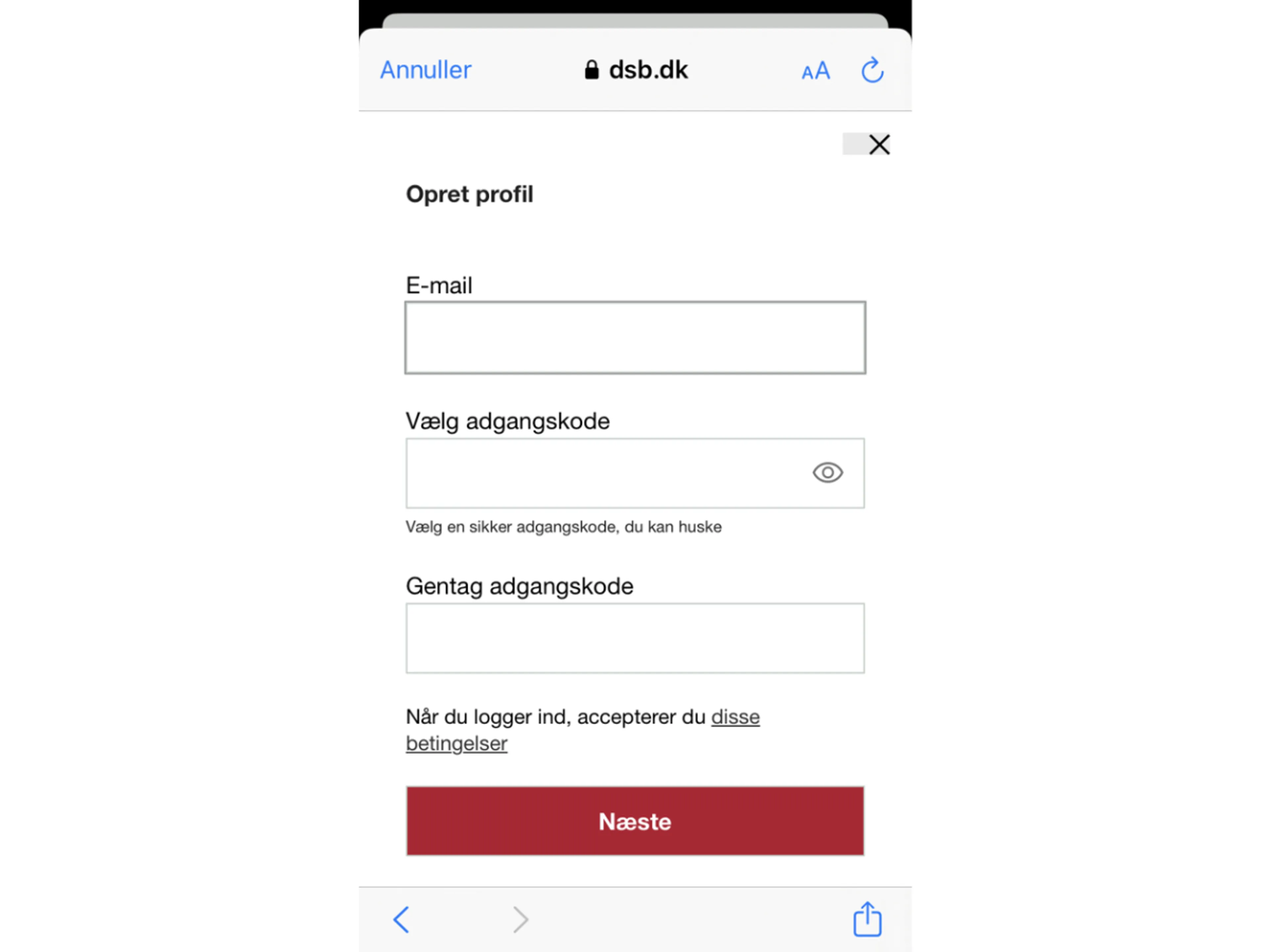
5 Enter your work email and password
Then click on 'Next'
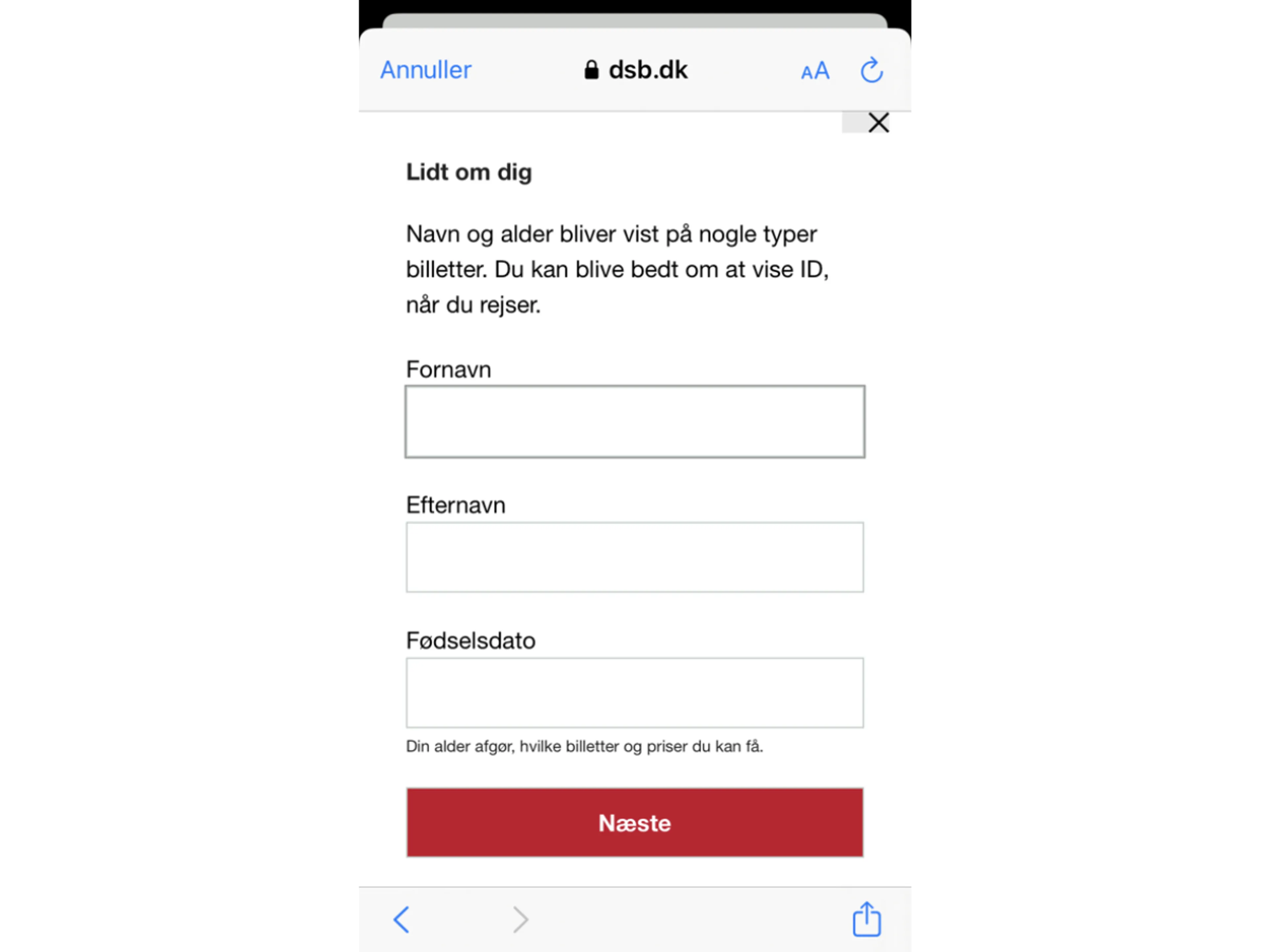
6. Enter name
Enter your first and last name.
Select your date of birth.
To change the year, click on the year e.g. '2006'.
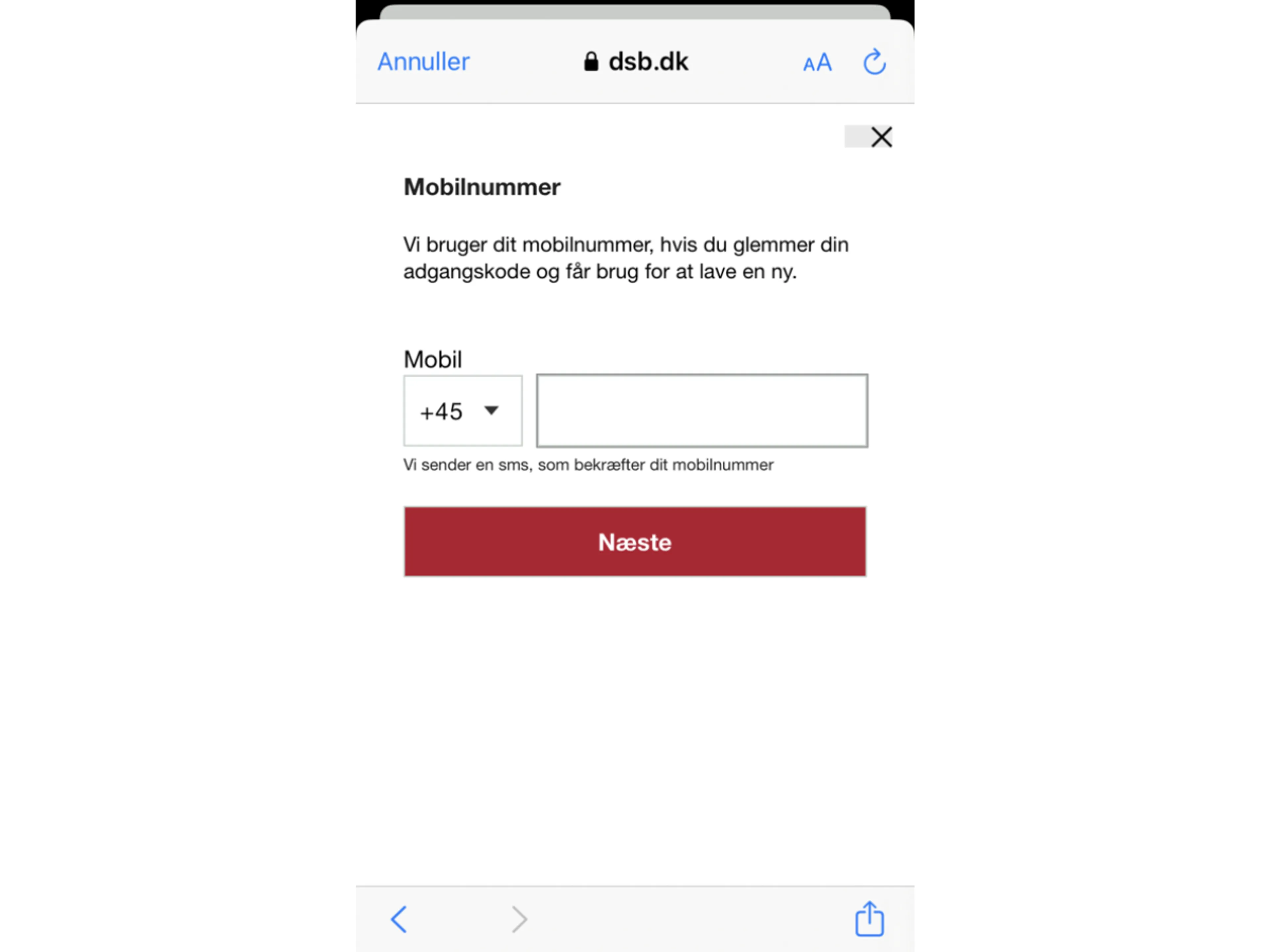
7. Enter your mobile number
This number can only be used once.
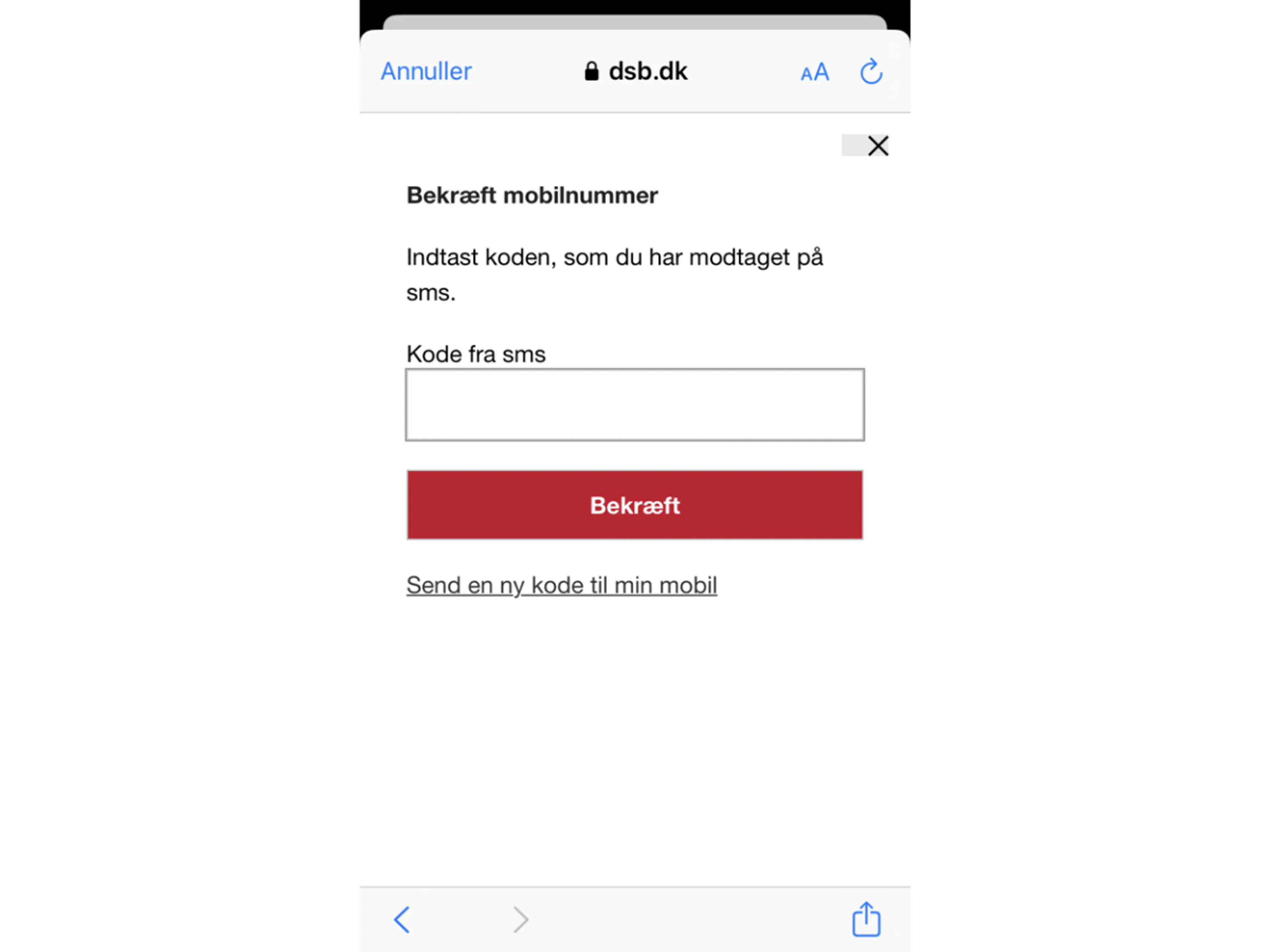
8 Enter code
Enter the code you receive by SMS, then press 'Confirm'
9. Accept points terms to receive points when you travel
Read more about Points.
NOTE: you do not receive points when paying by invoice
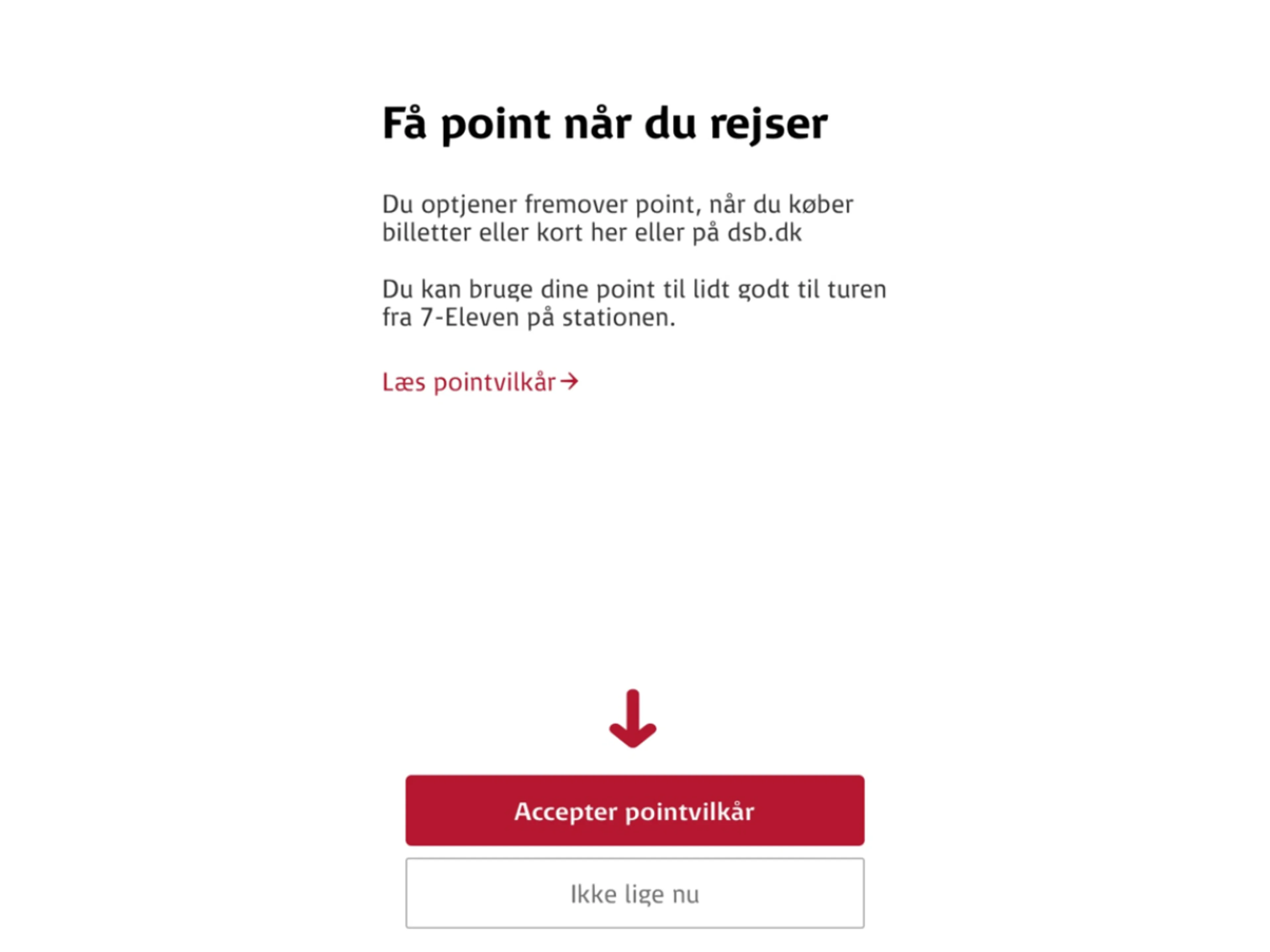
10. Accept points terms
To receive points when travelling with DSB you must press 'accept'
Read more about Points.
NOTE: you do not receive points when paying by invoice